GST Reference
Dated due dates, limitation, late fee, rates and provision history with source links.
Open GST Reference →

Merge any type of return for any period. Reconcile invoice-wise sales and purchases with GSTR-1, GSTR-2A/2B and e-Way Bills, analyse e-Way Bill data, prepare reconciliation papers for audit and run 41 scrutiny checks. Designed for offline processing on Windows 10/11.
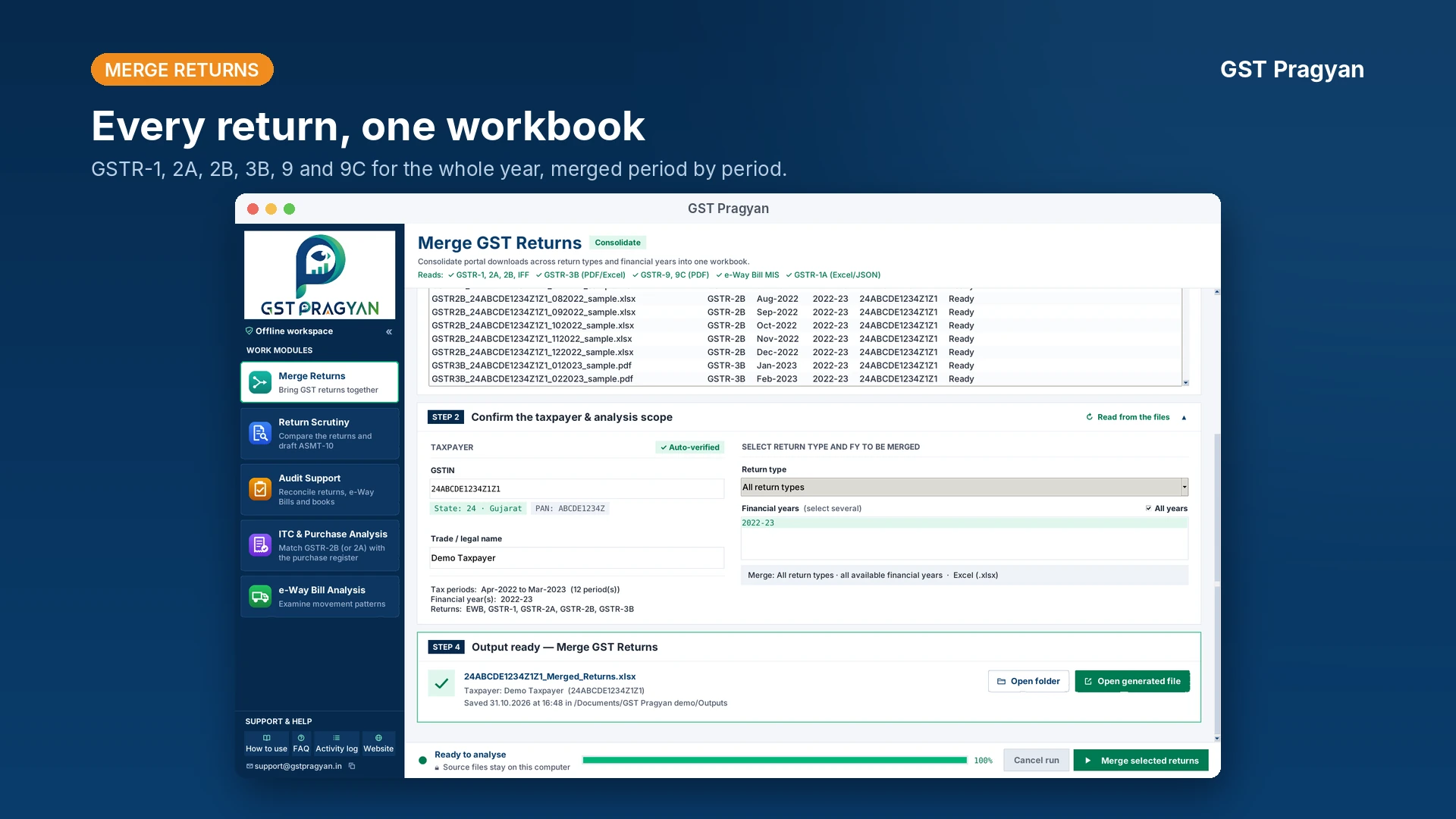
GST Pragyan is an independent GST reference, set of calculators and Windows desktop tool. Use the reference and calculators alongside the desktop application.
Dated due dates, limitation, late fee, rates and provision history with source links.
Open GST Reference →Calculate late fee, interest, ITC reversals, limitation and appeal pre-deposits with a working paper.
Open calculators →Merge returns, reconcile sales and purchases with GSTR-1, 2A/2B and e-Way Bills, and prepare audit reconciliation papers locally.
Explore the desktop tool →Short, cited pieces on the notification, rule or date most likely to trip up a working paper.
Most of Section 17(5) is applied straight from the invoice. The construction clauses are where the law has moved: the Supreme Court let a building qualify as a plant in Safari…
Read article →An e-Way Bill is required for most movements of goods above ₹50,000, lasts one day per 200 km counted to midnight, can be extended only in a narrow window, and since January…
Read article →The annual return has had one statutory late fee, one rationalisation by turnover from FY 2022-23, one amnesty for the older years and one relief for GSTR-9C filed late. Since…
Read article →Built for the data that already exists on a taxpayer's or officer's computer. No portal login, and nothing loaded into it is ever sent to a server.
Reference work is safer when the review date is visible. Corrections are dated and listed, not quietly patched.
For tax professionals, taxpayers, GST officers, students and researchers. Where the data cannot establish something, the tool says so rather than guess.